
This article provides important information about Microsoft’s October 2026 Patch Tuesday updates.
Microsoft October 2026 Patch Tuesday: Record 1,400+ Vulnerabilities
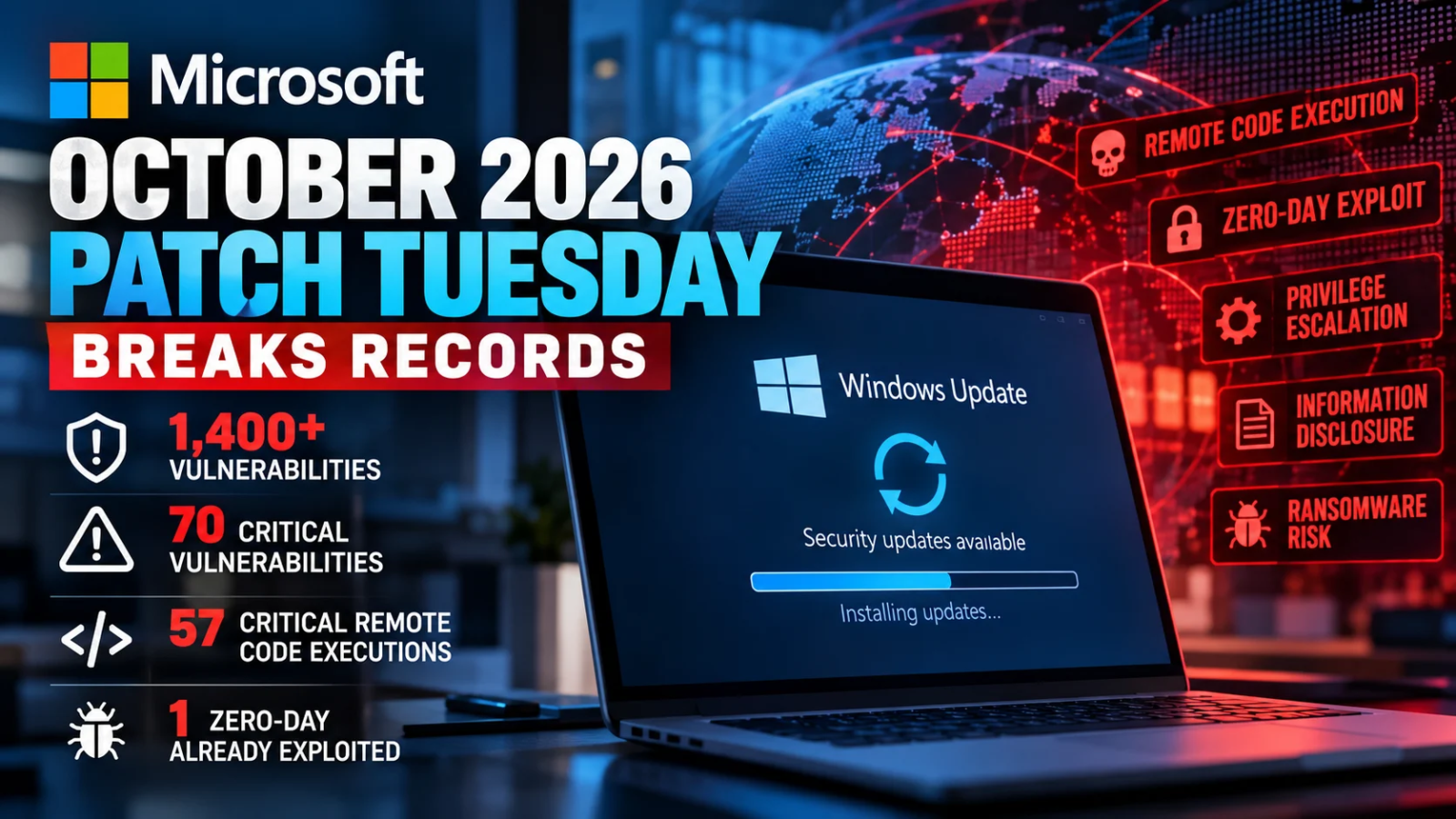
Microsoft October 2026 Patch Tuesday brought a record number of security fixes, giving businesses plenty of reasons to review their defenses. The October 13 release addressed more than 1,400 flaws across Microsoft products. For companies that rely on Windows, Office, SharePoint, and SQL Server, these updates deserve prompt attention.
BleepingComputer counted 1,411 vulnerabilities, including 70 with a Critical rating. Of those Critical flaws, 57 could allow attackers to run harmful code on affected systems. Attackers had already begun exploiting one vulnerability before Microsoft released a fix. Although totals vary by counting method, the scale of this release stands out. BleepingComputer’s report
For business leaders, this release raises a practical question: how quickly can your team identify affected systems and safely update them? Answering that question takes more than turning on automatic updates. It requires a clear device inventory, regular checks, and someone responsible for following up when installations fail.
Understanding the Security Risks
The flaws in October’s release create several paths for attackers. BleepingComputer reported 677 elevation of privilege flaws, 317 remote code execution flaws, and 254 information disclosure flaws. Its count also included 73 denial-of-service flaws, 40 security feature bypass flaws, and 28 spoofing flaws. Each category presents a different risk, from stolen data to lost access to essential services. View the vulnerability breakdown
Remote code execution, often called RCE, can let attackers run harmful instructions on a vulnerable system. Depending on the flaw, an attack might begin with a network request, a harmful document, or another entry point. A successful attack could help criminals install ransomware, steal files, or interrupt daily work.
Consider a medical practice that suddenly loses access to patient records. A similar attack could prevent a law firm from opening case files or meeting a deadline. In either situation, the damage could extend beyond the affected computer. Lost revenue, recovery costs, and damaged client trust can follow.
Elevation of privilege flaws create a different problem. An attacker may gain initial access through an employee’s account and then exploit another flaw to obtain greater control. That access could help the attacker disable security tools, read restricted files, or reach other systems. Limiting account permissions helps reduce this risk, while patching closes known software weaknesses.
Information disclosure flaws can expose private data or reveal details about a system. Even when a flaw does not directly expose client records, it may give attackers useful clues. Those clues can help them plan further attacks against the business. For firms that handle health, legal, or financial records, protecting this information remains a key responsibility.
An Actively Exploited Windows Flaw Adds Urgency
Among October’s fixes, CVE-2026-96951 deserves close attention. The Zero Day Initiative identified this Windows Shell security feature bypass flaw as actively exploited. Its analysis connects the vulnerability to bypassing Mark of the Web protections. Zero Day Initiative’s review
Mark of the Web helps Windows identify files from sources such as internet downloads. Windows uses that information to support security checks and warnings. When attackers bypass those protections, users may face harmful files without the warnings they would normally expect.
This case shows why severity ratings should not be the only factor in patching decisions. A flaw that attackers already use may demand faster action than one with a higher technical score. Businesses should identify affected devices, review Microsoft’s guidance, and test and deploy the relevant updates promptly.
Why Connected Business Networks Face Wider Risk
The Microsoft October 2026 Patch Tuesday release affects products that support everyday business operations. Windows computers, Office applications, SharePoint sites, and SQL Server databases often work together. A weakness in one part of that environment can create risks elsewhere.
The Zero Day Initiative also identified 59 flaws that fit its definition of “wormable.” Such flaws could support attacks that spread without a user signing in or taking action. That finding does not mean worms already exploit these vulnerabilities. However, it highlights why businesses should review exposed services and connected systems carefully. Read the researchers’ analysis
Attackers may combine software flaws with stolen passwords and unsafe settings to expand their reach. As a result, businesses need several layers of protection. Regular updates, limited access, monitoring, and security testing each help address a different part of the risk.
Windows 11 Users Also Face a Support Deadline
October brought another important change for some Windows users. Windows 11 version 24H2 Home and Pro reached the end of updates on October 13, 2026. Businesses still running these editions should move to a supported release. Enterprise and Education editions follow different support schedules, so checking the exact edition matters. Microsoft’s Windows release information
A device inventory provides a useful starting point. Review each computer’s Windows version and edition, then identify which devices need an upgrade. Before making changes, test the software your staff depends on. This helps your team plan the work around business needs and limit downtime.
Turning October’s Updates Into a Practical Action Plan
The first step is to match the October updates to the systems your business uses. Give prompt attention to actively exploited flaws, servers that face the internet, and systems that handle sensitive data. Testing can help catch compatibility problems, but the process also needs clear deadlines and follow-through.
Next, confirm that updates actually installed. Automatic updates can fail, and some devices remain offline for long periods. Others need a restart before a patch takes effect. A central patch management tool can help your team find missed updates and track devices that still need attention.
Account access also deserves review. Employees should have the permissions their jobs require, and administrator rights should have a clear business purpose. Remove unused accounts, review remote access tools, and use multifactor authentication to help protect sign-ins. These steps help limit what an attacker can do after gaining access.
Security testing provides another layer of insight. Updates fix known software flaws, but they do not resolve every weak password, exposed service, or unsafe setting. A vulnerability assessment helps identify known weaknesses. Penetration testing examines how attackers might exploit gaps in your defenses. The findings should lead to clear priorities, assigned owners, and checks that confirm each fix works.
Finally, review your response and recovery plans. Test whether your team can restore key files and systems from backups. Make sure employees know how to report suspicious activity and who will coordinate the response. Clear roles can reduce confusion when an incident disrupts normal work.
What This Means for Small and Medium-Sized Businesses
Small businesses use many of the same Microsoft products as large companies, but they often have fewer IT resources. A law firm with 20 employees still needs secure access to client files. A medical practice with 50 workstations still needs reliable systems to support patient care.
For these businesses, a long outage can place immediate pressure on staff, revenue, and client relationships. Recovery may also require outside help and time away from daily work. A consistent security routine helps reduce that exposure.
That routine should fit the size and needs of the business. Keep track of devices, review updates, limit access, and test backups. When internal staff lack the time or skills to manage these tasks, outside IT support can help maintain steady oversight.
How Firma IT Solutions Helps Businesses Stay Protected
At Firma IT Solutions & Services, Inc., we help businesses find security weaknesses and take practical steps to address them. Our cybersecurity and managed IT services include penetration testing, vulnerability identification, patch management, endpoint management, and ongoing IT support.
Our internal and external penetration tests examine weaknesses that attackers might exploit. We provide technical findings for IT teams and clear reports for business leaders. These reports help connect security issues to business risks, giving your team a stronger basis for deciding what to fix first.
We also help businesses manage updates and improve their daily IT practices. Keeping systems protected requires regular attention, clear ownership, and checks that confirm the work is complete. Those habits support a more reliable technology environment.
Build Security Into Everyday Business Operations
Microsoft October 2026 Patch Tuesday shows why security needs a place in routine business planning. Installing updates is an essential first step, followed by checks that confirm devices received the fixes. Access reviews, threat monitoring, backup testing, and regular security assessments help address the remaining gaps.
Businesses can make this work more manageable by assigning clear responsibilities and setting a regular schedule. Over time, consistent attention helps teams find problems earlier and respond with greater confidence.
At Firma IT Solutions, we believe: If It’s Untested, It’s Unprotected.
Protect Your Business With Firma IT Solutions
Knowing that updates exist is only part of protecting your business. You also need to know which devices remain exposed and whether your security controls work as expected. Firma IT Solutions & Services helps businesses answer those questions through practical testing and ongoing IT support.
Whether you need penetration testing, help managing updates, or broader managed IT services, our team can help you plan your next steps. Contact Firma IT Solutions today to discuss your business’s security needs.
Firma IT Solutions & Services, Inc.
Phone: 303-209-0386
Email: newbiz@firmaitss.com
Website: www.firmaitss.com
Keeps You Connected and Protected.
If It’s Untested, It’s Unprotected.

